Windows logon, re-engineered

Strong Windows logon. No cloud. No compromise.

On-premises Multi-Factor Authentication (MFA) and passwordless credential provider for Windows.

CodeB hardens Windows logon with NFC cards, TOTP codes, PKI smartcards and USB tokens — used as a second factor on top of the password, or replacing the password entirely. Roughly half of our customers run each pattern; policy decides which fits your environment. Works on local, Active Directory and Entra ID accounts from Windows 8 through Server 2025. Fully on-premises, no cloud or internet connection required. Air-gap deployable.

Why CodeB exists

Four problems your Windows logon has to solve under your own roof.

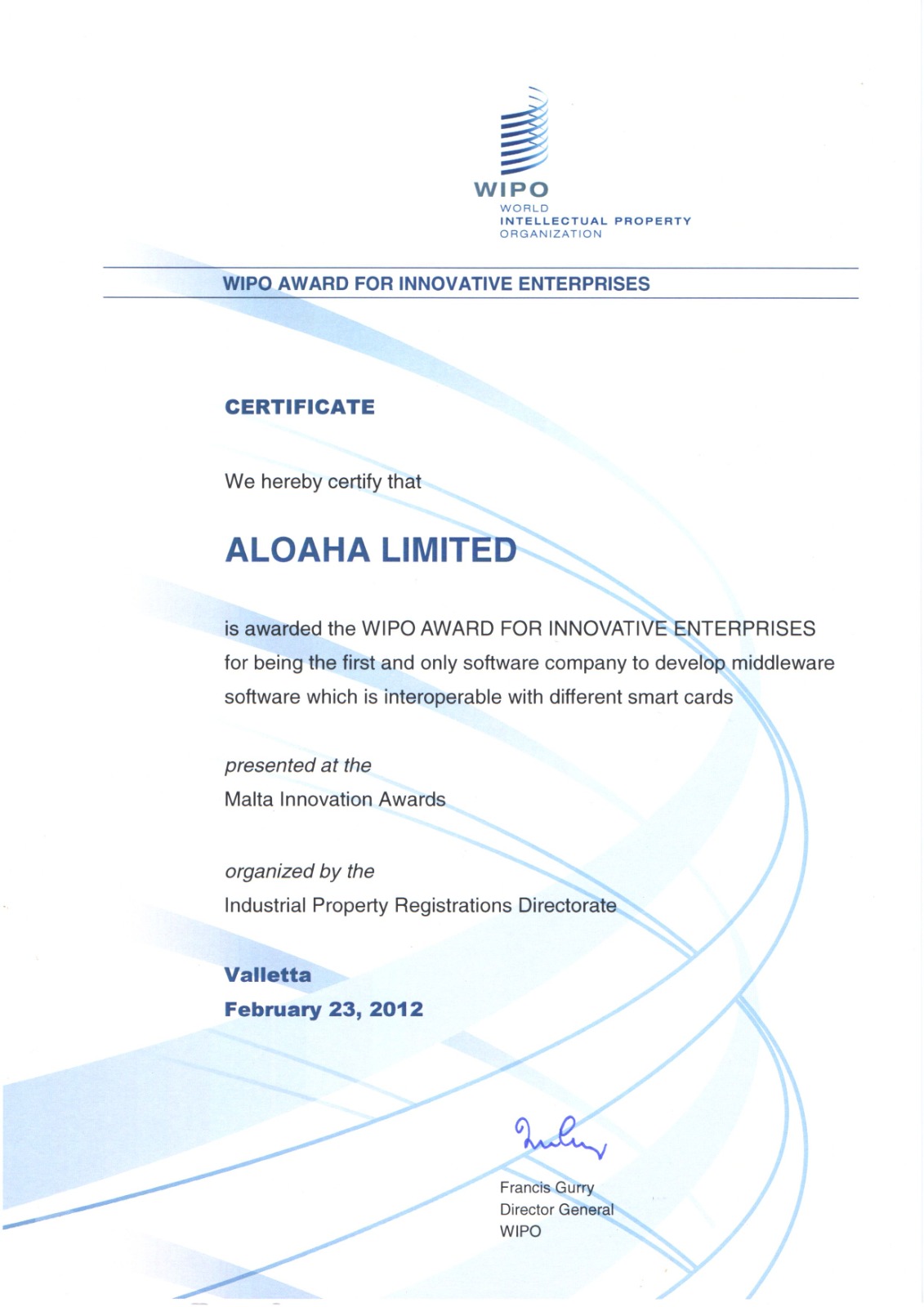
Most identity vendors assume a greenfield Entra ID environment. Regulated organisations rarely have that luxury. CodeB is built for the parts of your environment that still run Windows logon — be it local accounts or Active Directory — and have to keep running it, securely. We have been doing exactly this for over twenty years; CP V2 is the modern evolution of Aloaha Smartlogin, the credential provider Aloaha has built and supported since the early 2000s.

01 / Hybrid & Legacy Infrastructure

Hardening the Windows logon.

Every Windows workstation still authenticates with a username and password — whether it's an office desk, a civil-service terminal, a manufacturing line PC or a clinical workstation on a hospital ward. CodeB layers strong authentication over that existing credential model, in place, without rewriting the desktop and without moving identity to the cloud.
02 / Compliance pressure

Per-user attribution — even for the shared accounts you can’t retire.

NIS2, DORA, the EU AI Act and sector-specific rules demand strong, attributable logon. Most companies cannot simply retire their historically-grown shared accounts. CodeB layers per-user NFC or TOTP authentication and auditing on top of those accounts — and on shared Windows accounts CP V2 can append the authenticating card’s ID to the Office author name, so every Word, Excel and PowerPoint edit stays traceable to a real person and your auditors get the evidence they recognise.

03 / Operator friction

Clinicians, operators and shop-floor staff need fast sign-in.

A nurse logging into a roving terminal cannot type a 16-character password fifty times a shift. Tap-and-go NFC and TOTP restore sub-second logon without trading away security.

04 / Digital sovereignty

No cloud required. No internet required. Works air-gapped.

CodeB is operated by an EU company (Aloaha Limited, Malta) and runs entirely on your own infrastructure. The product is designed to operate without a cloud or internet connection. It deploys and runs on air-gapped OT and clinical network segments and in jurisdictions where data cannot leave the country. No customer data is ever stored or processed outside the EU. CodeB is designed for organisations seeking European-operated, self-hosted identity infrastructure without dependency on US cloud platforms.

Air-gapped ready

Runs in the rooms where the internet doesn’t.

Defence labs, isolated OT segments, hospital networks behind a one-way firewall, factory floors with no outbound route. CodeB is engineered to behave the same with or without the internet — and that engineering reality is the single biggest reason regulated operators standardise on us.

Runs without internet

CodeB itself does not open outbound connections to function. Install media, enrol cards, sign in — designed to work offline. Underlying Windows and .NET runtime behaviour is determined by your OS configuration.

No SaaS control plane

No tenant. No subscription server to call home to. No upstream service that can go dark and lock your users out at the logon screen.

No CodeB telemetry

CodeB itself does not phone home with usage data, machine inventories or token statistics. Outbound traffic from the underlying Windows OS or third-party software is governed by your own configuration.

Works during internet outages

When the upstream ISP, the SaaS identity provider or the VPN concentrator falls over, your operators still sign in. That is the entire point.

Critical infrastructure · NIS2

If you fall under NIS2, strong authentication is no longer optional.

NIS2 (Directive EU 2022/2555) classifies organisations across energy, transport, water, food, healthcare, manufacturing of essential goods, public administration, digital infrastructure and many other sectors as essential or important entities. Article 21 explicitly requires risk-managed authentication for every system that touches the operation. CodeB delivers exactly that — at the Windows logon screen, on-premises, with the audit trail your competent authority expects.

Article 21 Essential entities Important entities DORA IEC 62443 EU CRA
Flagship · Credential Provider V2

One credential provider. NFC, smartcard, TOTP and USB.

The CodeB Credential Provider V2 is a fully managed .NET implementation of Microsoft's ICredentialProviderCredential2 interface. Every supported token — NFC card, TOTP code, PKI smartcard or USB stick — can be deployed as a second factor alongside the existing password, or used to replace the password entirely. Both patterns are equally supported; in practice our customers split roughly 50/50 between them.

  • Local, Active Directory and Entra ID account support on the same workstation.
  • Standalone or domain-joined; works on every Windows edition from Windows 8 through Server.
  • Plugin architecture — you can extend it with your own login token or authorisation workflow.
  • Works with any RFC 6238 TOTP app for the moments where a contactless card isn't available.
  • No cloud required. Installs and runs on-premises. No cloud or internet connection is required for the product to function. Air-gap deployable.
Full product detail
Supported tokens
NFC contactless MIFARE Classic · DESFIRE EV1/EV2/EV3
PKI smartcard X.509 · corporate & sector PKI
USB memory stick For quick evaluation — no hardware to procure
TOTP RFC 6238 · 30 s · SHA-1/SHA-256
Bundled with CP V2

Two companions that ship inside the same licence.

The Credential Provider V2 licence carries two add-ons that solve the next problems most customers run into after they've hardened workstation logon. Each is also available standalone.

Add-on 01

CodeB Web SSO

One login. Every web app. No passwords exposed. A managed browser extension for Edge and Chrome that fills usernames, passwords and the 6-digit TOTP step on the way in — and signs users into legacy Windows and Java apps such as T2med — without ever exposing credentials to page JavaScript.

Read about Web SSO
Add-on 02

CodeB Desktop Switcher

Data Exposure Prevention for screen shares. Instantly hide sensitive clinical records, internal schematics or operational files with a single tap before initiating a Teams or Zoom screen share. One hotkey swaps your desktop files, icon layout and per-monitor wallpapers for a clean, shareable profile; tap again to restore the working desktop exactly as you left it.

Read about Desktop Switcher
Deployment

From pilot workstation to organization-wide rollout in four steps.

CodeB ships as a credential provider DLL and a small set of policy templates. No directory schema changes, no agents on the domain controller, no cloud dependency unless you want one.

01

Install on a pilot workstation.

Sign in once with your existing account. The installer registers the CodeB credential tile alongside the Microsoft password tile. Nothing is locked down yet.

02

Enrol a token per user — one at a time, or by the hundred.

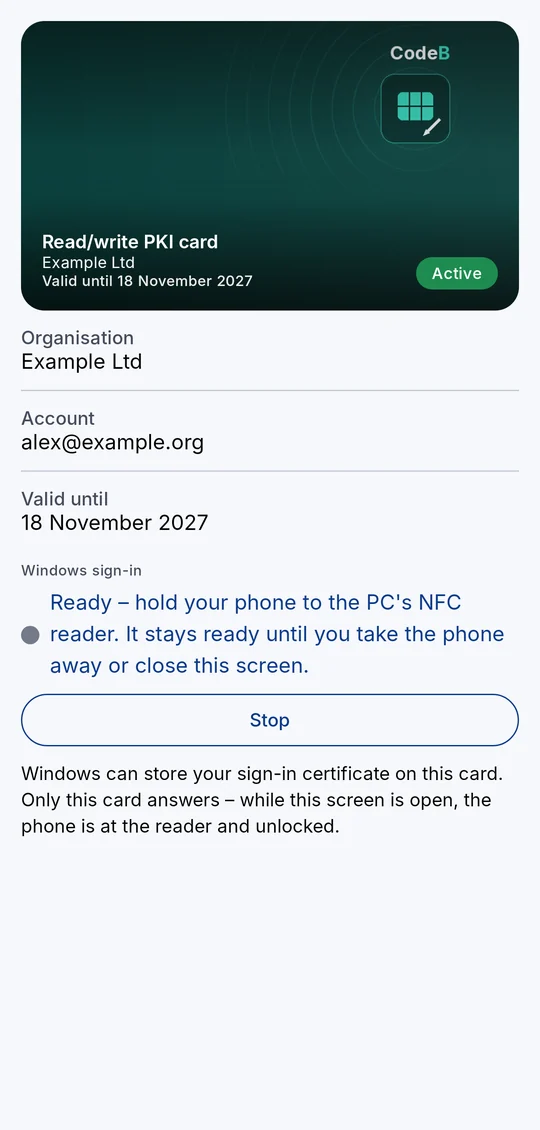
Tap an NFC card, scan a TOTP secret with any compliant authenticator app, present a PKI smartcard, or plug in a USB key for evaluation. Multiple tokens per identity are supported. For larger rollouts, mass enrolment and card assignment are scripted centrally via the CodeB Admin CLI — pipe a CSV of users and card UIDs into CodeBAdminCLI.exe and provision five hundred cards against Active Directory in an afternoon, with no per-user enrolment ceremony.

03

Roll the policy via Group Policy or the command line.

Push the configuration to your Windows machines via Group Policy or the command line. Hide the Microsoft Password Provider via the built-in CodeB Credential Provider Filter so end users only see the CodeB logon tile.

04

Audit and attribute every logon.

Every logon, lock and unlock event becomes attributable to the token holder and is written to the standard Windows event log — replay-resistant, ready for any audit interview.

Our promise

Humans answer here.

Email read by a person

Every message to info@codeb.io lands in a real inbox watched by engineers. No AI auto-reply. No ticket queue to chase. Same working day in most cases, never later than the next.

Phone picked up by a person

Call our German lines in CET business hours and someone answers. No phone tree, no "press 1 for sales," no hold music. If we're with another customer, we call back the same day.

The reader is the helper

The person who reads your message is the person who can solve the problem, or who knows precisely who to bring in. No deflection into chatbots, no self-service mazes.

Plain answers, including "no"

If CodeB isn't the right tool for your situation, we'll tell you so directly and point you somewhere that fits. Two decades of customers tell us that's why they stay.

Reply target: 1 business day  ·  Phone hours: CET, Mon–Fri  ·  Languages: English, German

Ready to replace the password tile?

Tell us about your environment — Windows mix, account model, token preferences — and we'll propose a pilot deployment within two business days.